I’ve been meaning to write this for a while but it turned into a much longer write up than I was expecting so it’s being broken into multiple parts. Martyn at 38 North did a great write up on the app earlier this year but I wanted to dive into it more. If you’re not familiar with the app you can read about it here: https://www.38north.org/2024/01/a-close-up-look-at-north-koreas-digital-map-app/
Lets take a look at some of the icons first. They give some clues to some of the possible items that might be found on the map

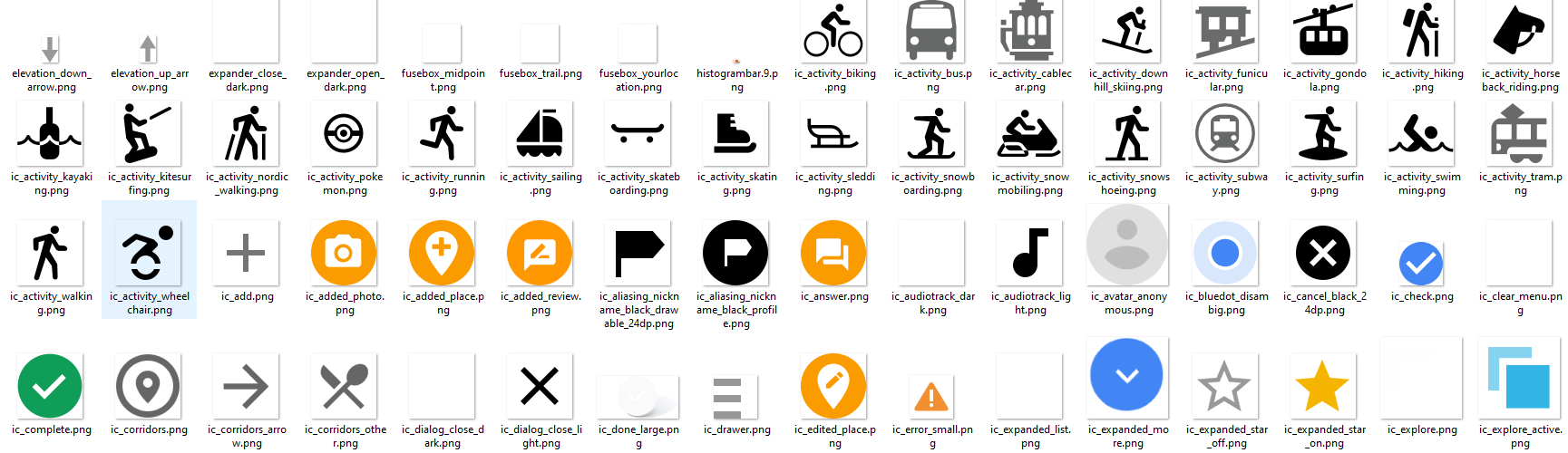
There’s also a couple of interesting icons that don’t appear to be used anywhere
If you’re also not familiar, apps in North Korea are signed I wrote a blog post a few months ago when I received the app on how to work around the signature: https://wordpress.com/post/nkinternet.wordpress.com/436
With that out of the way, let’s take a deeper look at the app and some of the functionality.
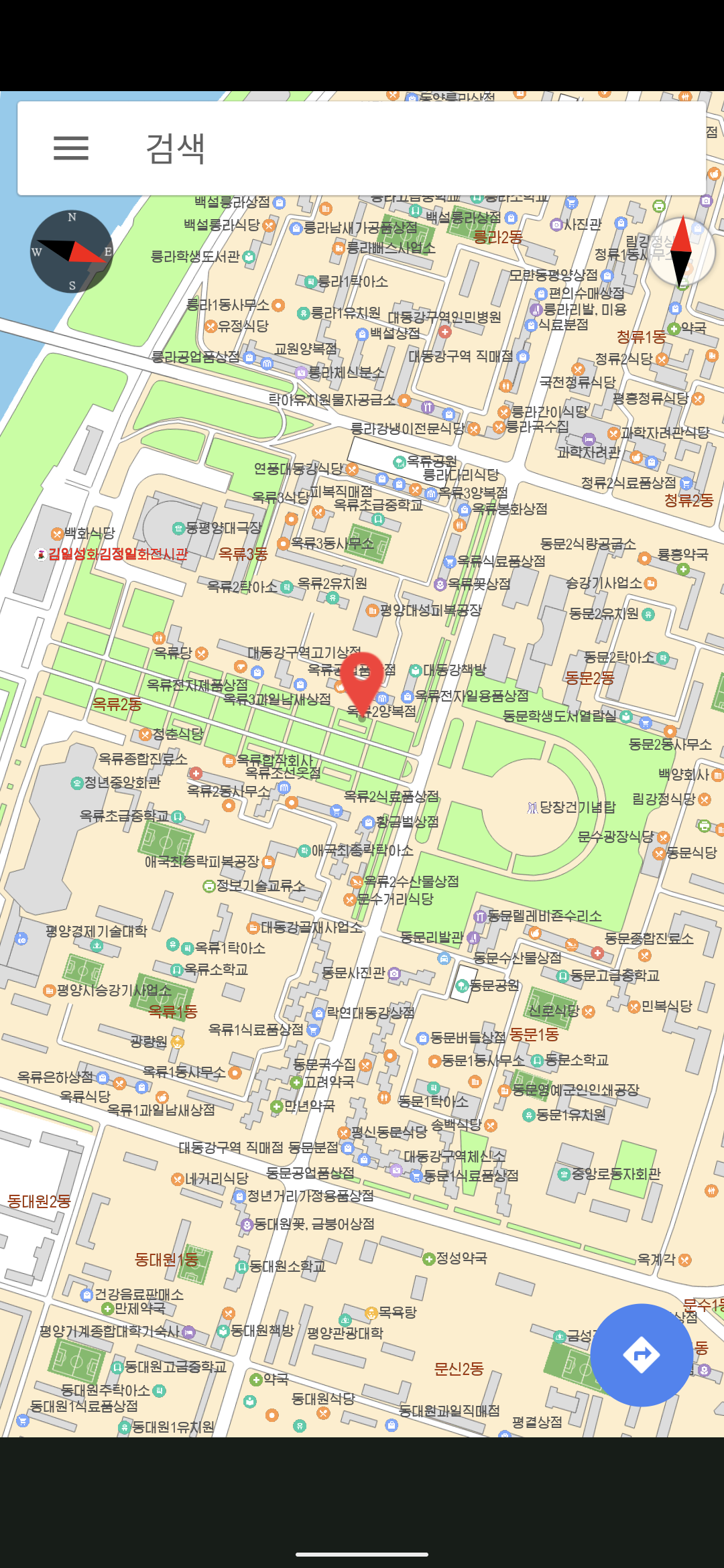
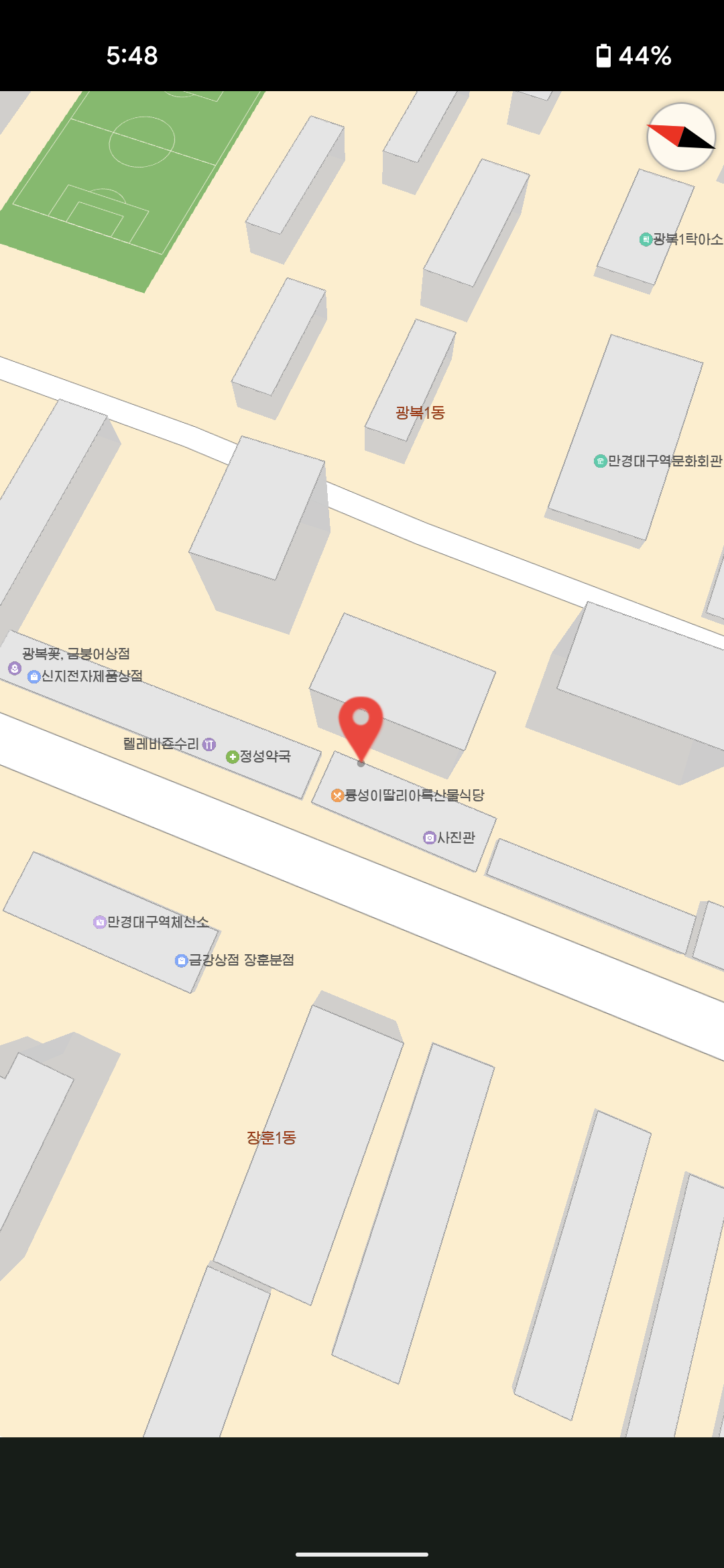
Multiple locations on the map and checks notes, what appears to be Pyongyang’s finest Italian restaurant
App Licensing
There’s a pretty robust system for checking the license of the app. Interestingly there’s a function for scanning a QR code to process a license file for the app:
public
void handleDecode(Result result, Bitmap bitmap, float scale) {
  this.strResult = ResultParser.parseResult(result).toString();
  if (this.capture_type == 85) {
    try {
      if (!((Boolean)Class.forName("com.shitc.license.ProductLicense")
                .getMethod("write2File", byte[].class)
                .invoke(null, Base64.decode(this.strResult, 0)))
               .booleanValue()) {
        throw new Exception();
      }
      Toast
          .makeText(this, "QR License Applied Successfully", Toast.LENGTH_SHORT)
          .show();
    } catch (Exception e) {
      Toast.makeText(this, "License Application Failed", Toast.LENGTH_SHORT)
          .show();
    }
  }
}
Once scanned, there’s some additional licensing checks that are performed for files on the phone that include:
public boolean checkCertFiles() {
  boolean isValid = false;
  try {
    InputStream certStream = parentContext.getAssets().open("AllCerts.cert");
    DataInputStream dataStream = new DataInputStream(certStream);
    byte[] certData = new byte[dataStream.available()];
    dataStream.read(certData);
    dataStream.close();
Finally it checks the date to make sure that it’s not later than December 31, 2020. There’s additional methods for making sure that the system time wasn’t modified but apparently doesn’t work that great.
public boolean isLicenseValid() {
  Date currentDate = new Date(System.currentTimeMillis());
  Date expirationDate = new Date(2020 - 1900, 12 - 1, 31, 23, 59, 59);
  return !currentDate.after(expirationDate);
}
Additionally there is a file shitc_prefs that is a file containing licensing information about whether there is a valid license present.
If some of these controls fail like the date, the app fails to start. For others the app remains in a “demo” state. Based on all of the checks nResultCode is set to a value that can be checked throughout the app for additional functionality that can be unlocked. Based on a read through a rough breakdown of the possible codes are:
- nResultCode = 0: Indicates that the license is valid and has passed all checks.
- nResultCode = 1: This seems to indicate a problem finding the necessary license files or data.
- nResultCode = 2: This means that the app found the license files, but they were either not valid or didn’t match the expected values during decryption or signature validation. This is set when internal checks fail.
- nResultCode = 3: QR code data was processed the app could not validate or save the license properly keeping it in demo mode. This could happen for multiple reasons if the files are missing or if there is an issue accessing shitc_prefs.
- nResultCode = 4: Possibly related to the inability to initialize or load the license properly.
- nResultCode = 5: This result seems tied to license expiration, as it is set when the system detects that the current date is beyond the expiration date.
- nResultCode = 6: This is related to the certificate validation and indicates that the certificates may be missing, corrupted, or altered.
nResultCode being set to 2 or 5 results in System.exit(0) being called stopping execution of the app after the splash screen is displayed.
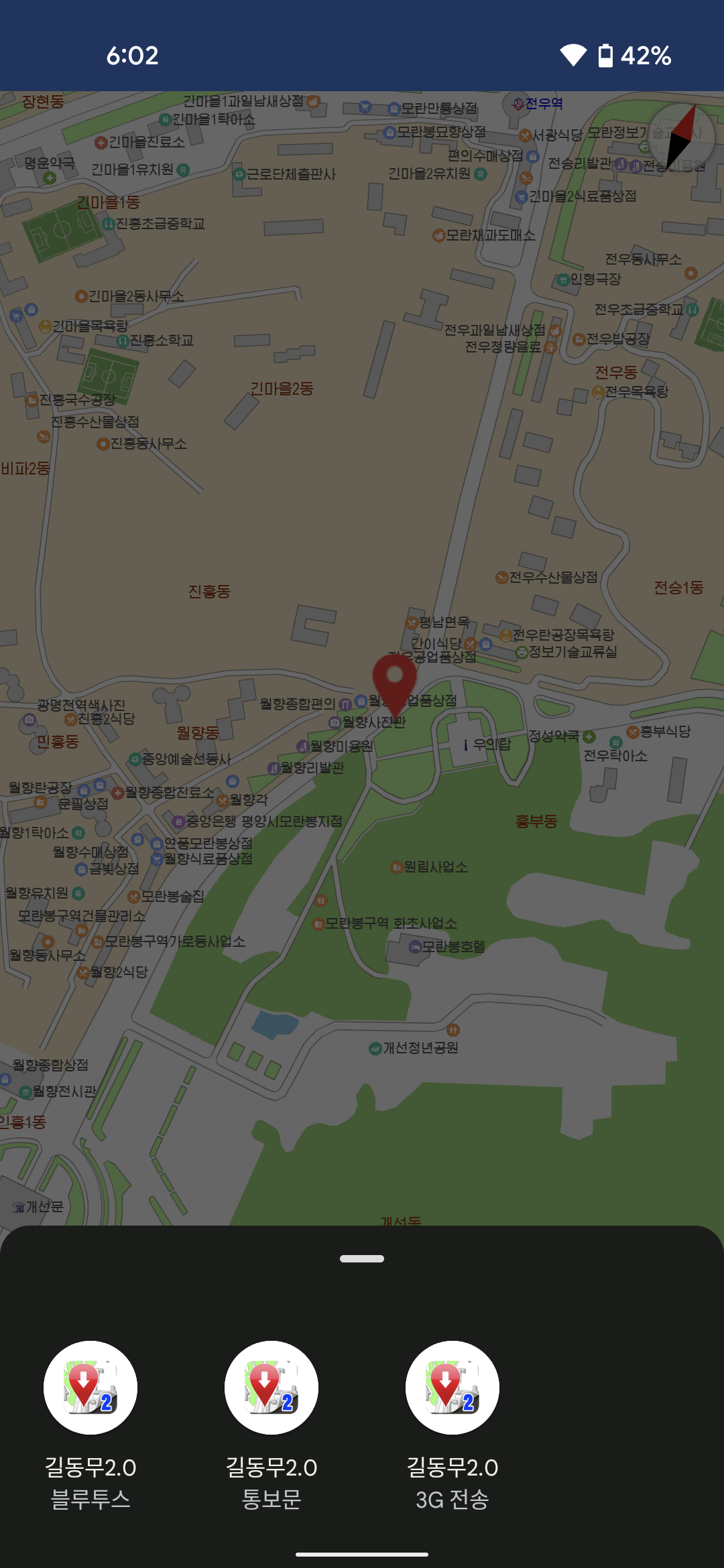
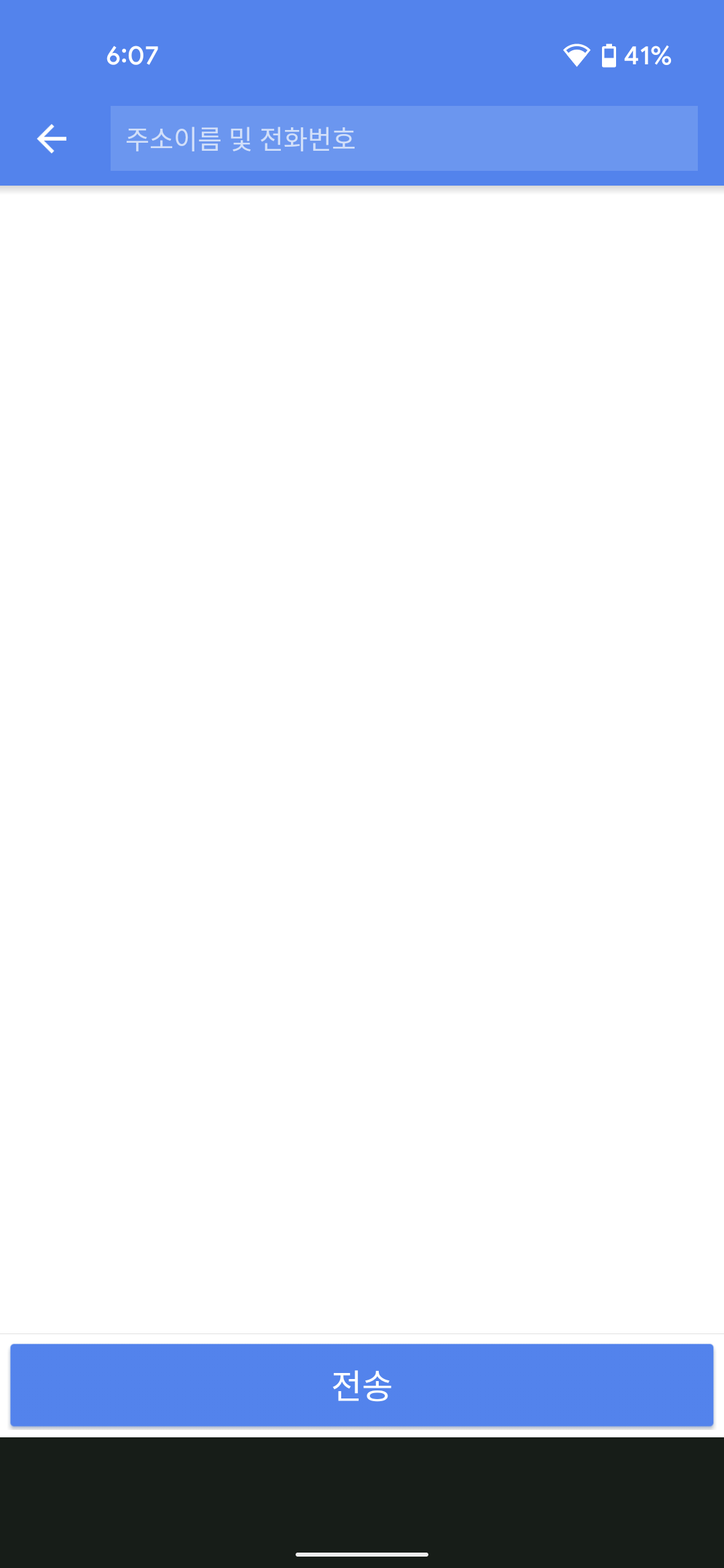
Options to share via Bluetooth and 3G and a third unknown option that lets you enter an address
API Calls
The app makes multiple calls to a single API endpoint in the country http://10.99.1.100/friend_api.php
There’s a call to the API to send some feedback to the server
public AsyncTaskC0230ah(FeedbackActivity feedbackActivity) {
    this.a = feedbackActivity;
    this.b = new ProgressDialog(this.a, 2);
    this.b.setMessage("봉사기접속중...");
    this.b.setCancelable(false);
    this.b.show();
}

public Integer doInBackground(String... strArr) {
    Throwable th;
    int i;
    String str = strArr[0];
    StringBuilder e = new StringBuilder(String.valueOf(C0241as.c)).append("?type=100&data=");
    HttpURLConnection a = C0241as.a(e.append(str).toString());
There’s also code for what looks to be sending additional data to the server using type4
private static Integer a(String... strArr) {
    int i;
    HttpURLConnection a = C0241as.a(String.valueOf(C0241as.c) + ("?type=4&data=" + strArr[0]));
    if (a == null) {
        return -1;
    }
This looks to return an int between 1-3 and is used for indicating success, failure, or an invalid user?
if (str2.equals("1")) {
  i = 0;
  if (e != 0) {
    try {
      e.close();
    } catch (IOException e2) {
      e = e2;
    }
  }
  if (a != null) {
    a.disconnect();
  }
There’s also a request of type3 that returns JSON data:
InputStream inputStream2;
HttpURLConnection a = C0241as.a(String.valueOf(C0241as.c) + ("?type=3&data=" + strArr[0]));
Based on the data returned it looks like the JSON object is parsed for additional details:
rVar.a = jSONObject.getInt("PID");
rVar.c = jSONObject.getString("TELPHONE");
rVar.d = jSONObject.getString("POSITION");
rVar.f = jSONObject.getString("MESSAGE");
rVar.e = jSONObject.getString("REGDATETIME");
rVar.a(rVar.e);
rVar.g = jSONObject.getString("VERSION");
this.e.add(rVar);
It appears the API is a multi-purpose API. Still need to see what else the API is used for within the app.
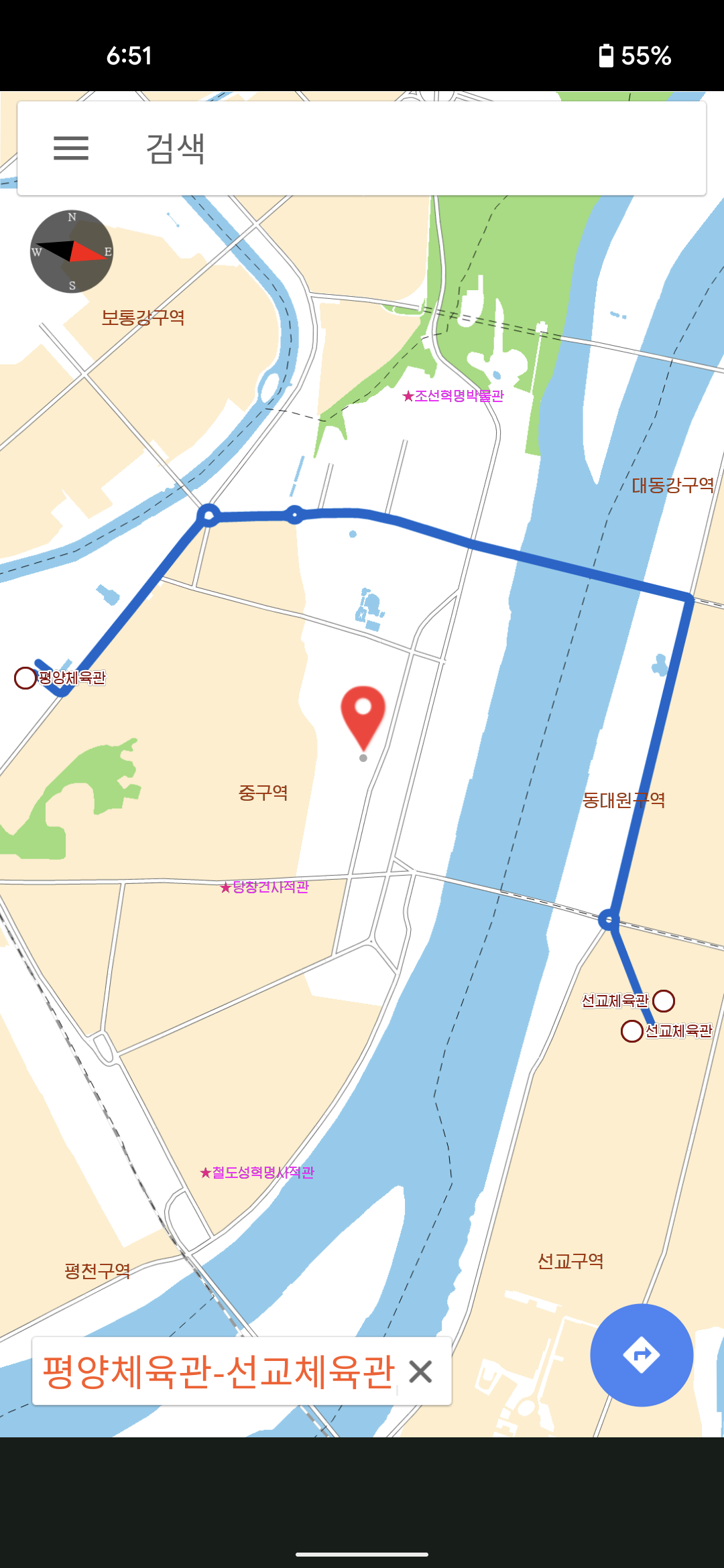
Bus and subway routes across the city are searchable
Map Database
Probably the most interesting part of the app. the function intiGeoDB intitializes the database that is used to load the icons onto the map. The method calls sqliteOpen with the parameter str being the most likely candidate of the password being passed to sqliteOpen
public void initGeoDB(String str) {
    com.samhung.pyongyangcity2.e.a.a(this);
    String str2 = SamHungApplication.b;
    if (SamHungApplication.c.isEmpty()) {
        str2 = getDatabasePath(C0241as.a).getPath().replace("/" + C0241as.a, "");
        SamHungApplication.c = String.valueOf(str2) + "/font";
        SamHungApplication.d = String.valueOf(str2) + "/symbol";
    }
    String str3 = SamHungApplication.c;
    String str4 = SamHungApplication.d;
    com.samhung.pyongyangcity2.a.b.a().a(str2, com.rgitc.a.a.b, str);
    int sqliteOpen = NativeLib.sqliteOpen(str2, com.rgitc.a.a.b, str, str3, str4);
    if (sqliteOpen > 0) {
        Log.e("py", new StringBuilder().append(sqliteOpen).toString());
    }
}
Unfortunately sqlite is part of the library file libPyongYangMap3D.so which is 3+ million lines decompiled. Still working on finding the password for the DB. However it could be something that is encoded as there are several methods that use XOR obfuscation in the app:
public static String a() {
  byte[] bArr = {Byte.MIN_VALUE, -89, -38, -61, 115, -112};
  byte[] bArr2 = {12, 48, 76, 72, -17, 66};
  for (int i = 0; i < bArr.length; i++) {
    bArr[i] = (byte) (bArr[i] ^ bArr2[i]);
    bArr[i] = (byte) (bArr[i] ^ (-1));
  }
  try {
    return new String(bArr, 0, bArr.length, "UTF-8");
  } catch (UnsupportedEncodingException e) {
    e.printStackTrace();
    return "";
  }
}
3rd Party Libraries
There’s a couple of compiled .so files that are used with the app. The one called libjsqlite.so has some additional information that can be used to make some assumptions. Based on a file hash in file it appears that the app is using Sqlite 3.25.2: https://www3.sqlite.org/src/info/fb90e7189ae6d62e
It also appears that it’s built using this GitHub project: https://github.com/geopaparazzi/libjsqlite-spatialite-android?tab=readme-ov-file
Next Steps
It’s an interesting app to get an idea of the types of landmarks inside Pyongyang. There’s more functionality to explore in the app for a part 2 and probably part 3. There’s a PDF reader/generator in there, a database password to find, and more calls to the friend API.
Discover more from North Korean Internet
Subscribe to get the latest posts sent to your email.
 North Korean Internet